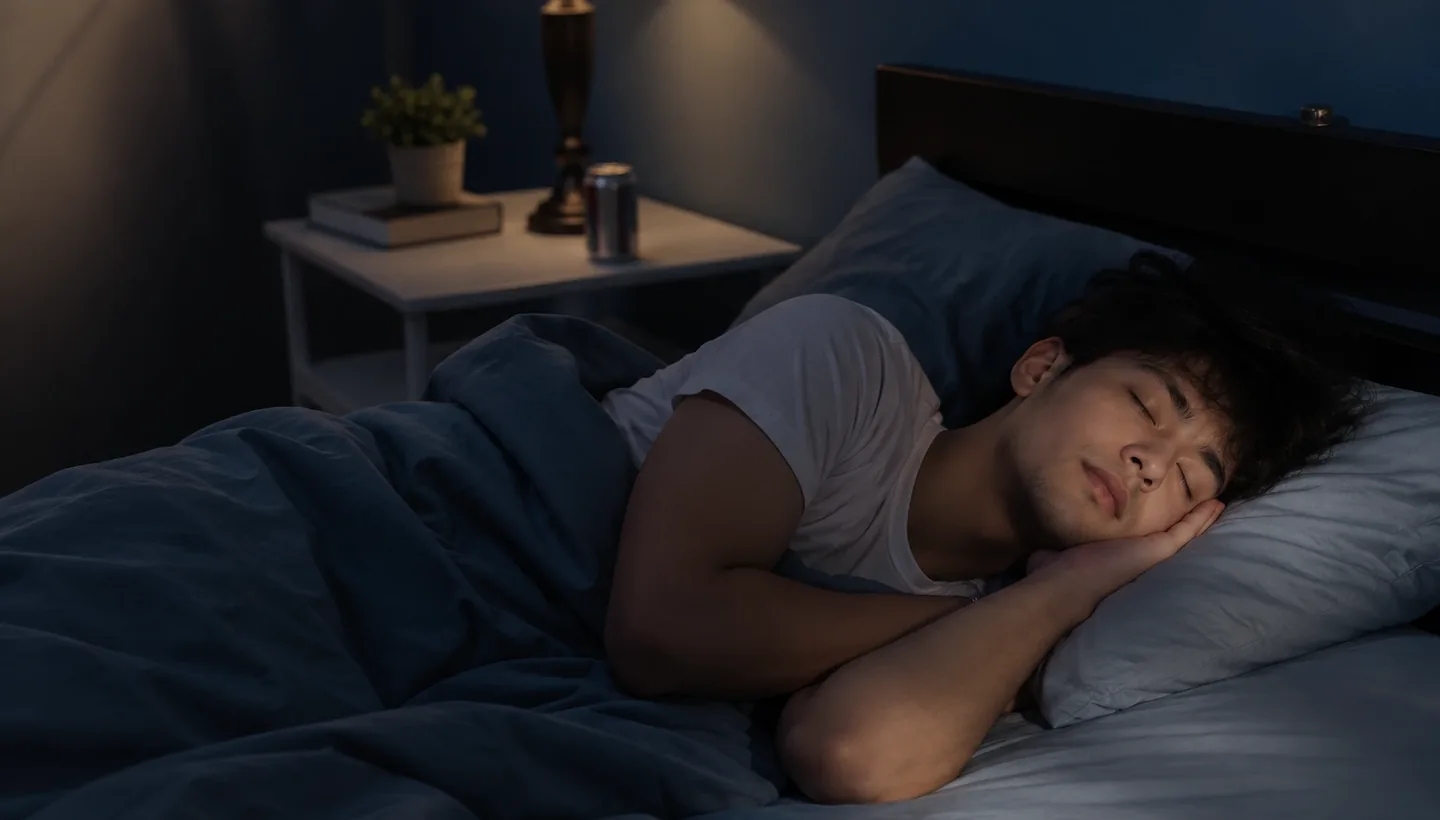

SleepShutter for iPhone · 1.0 submitted to the App Store
See what happens while you sleep.
SleepShutter records snoring through the night and saves the video and audio around each event, with night vision for a fully dark room. It all stays on your iPhone.
Move your cursor across the dark.
01 — How it works
Three steps, one night
-
01
Set the phone by the bed
Prop your iPhone on the nightstand, screen facing the bed, and press Start sleeping. The TrueDepth camera at the top of the phone is what does the watching — there is nothing to put on and nothing to put under the mattress.
TrueDepth · front camera
-
02
Sleep with the lights off
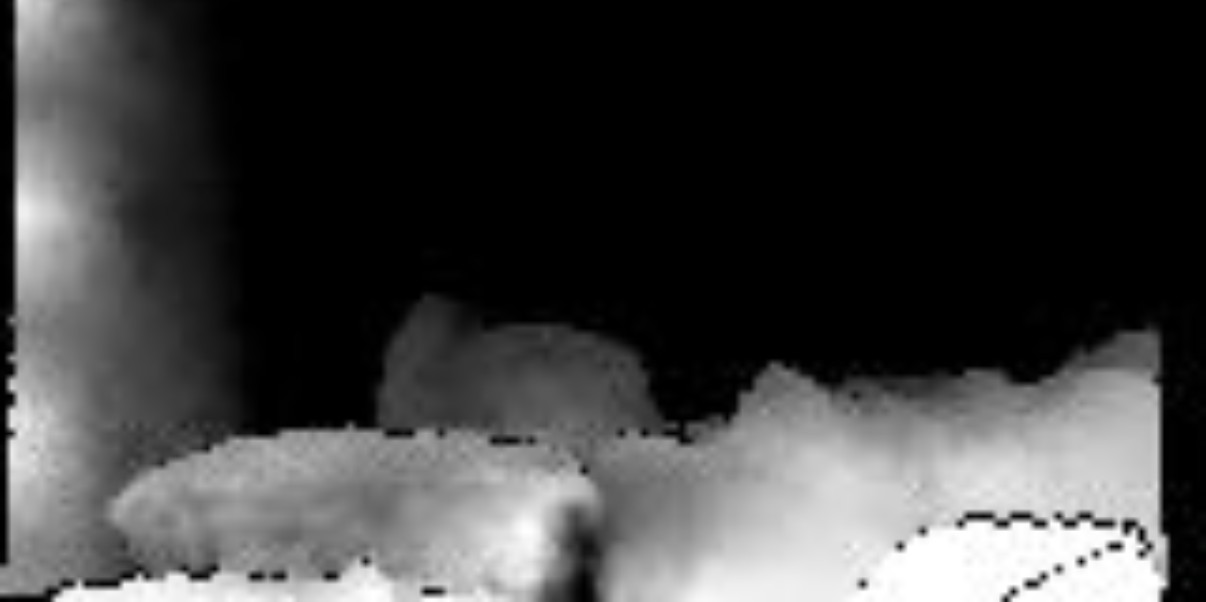
Night vision switches itself on when the room goes dark and off again when it isn’t — it works in infrared, so it needs no lamp. Through the night it saves the video and audio around each event it finds, including the seconds before it.
Infrared · no lamp needed
-
03
Look back in the morning
You slept through it; the phone didn’t. Scroll the night’s timeline — snoring runs, body turns, night-vision clips — and play back any moment. Clips stay on the phone for seven nights and then delete themselves.
Kept 7 nights · never uploaded
02 — What a moment sounds like
Quiet, then not.
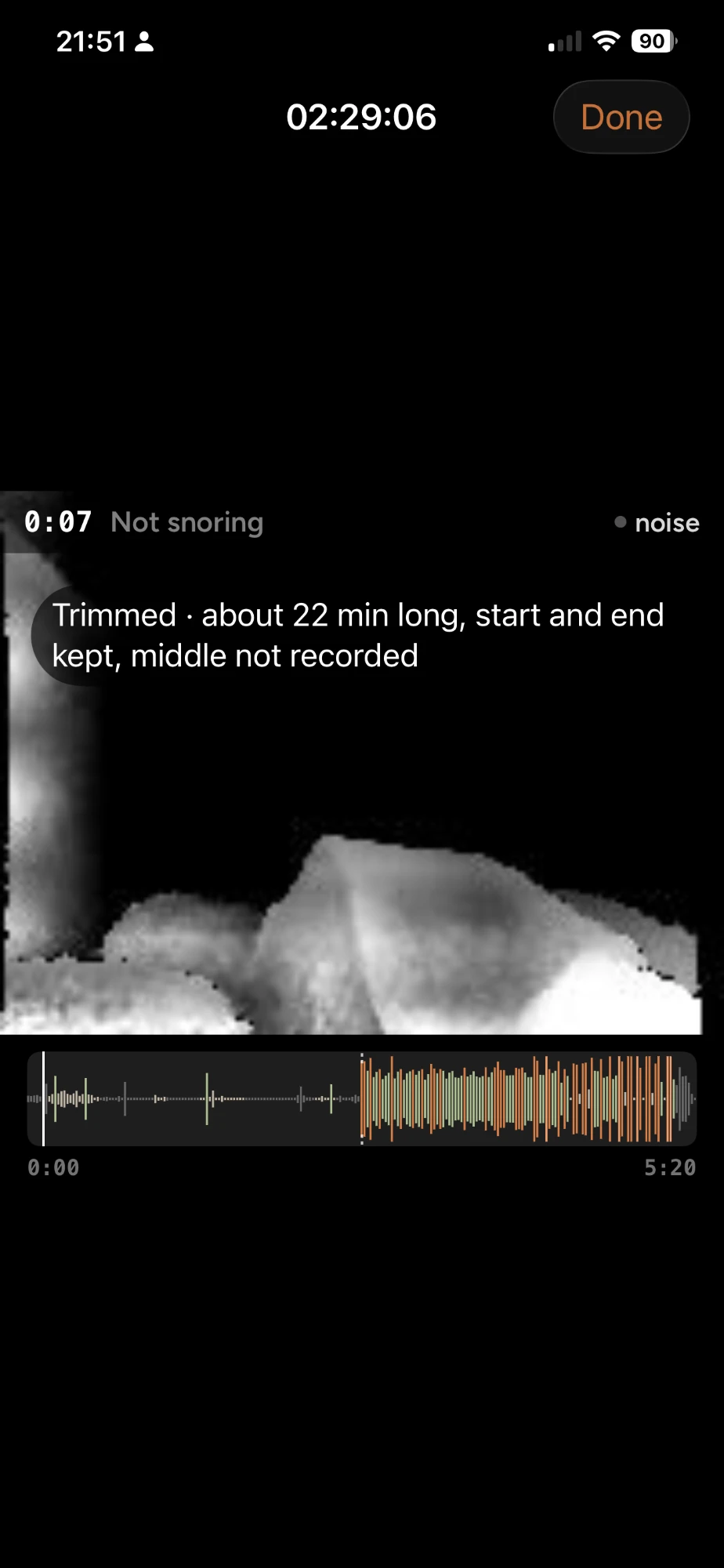
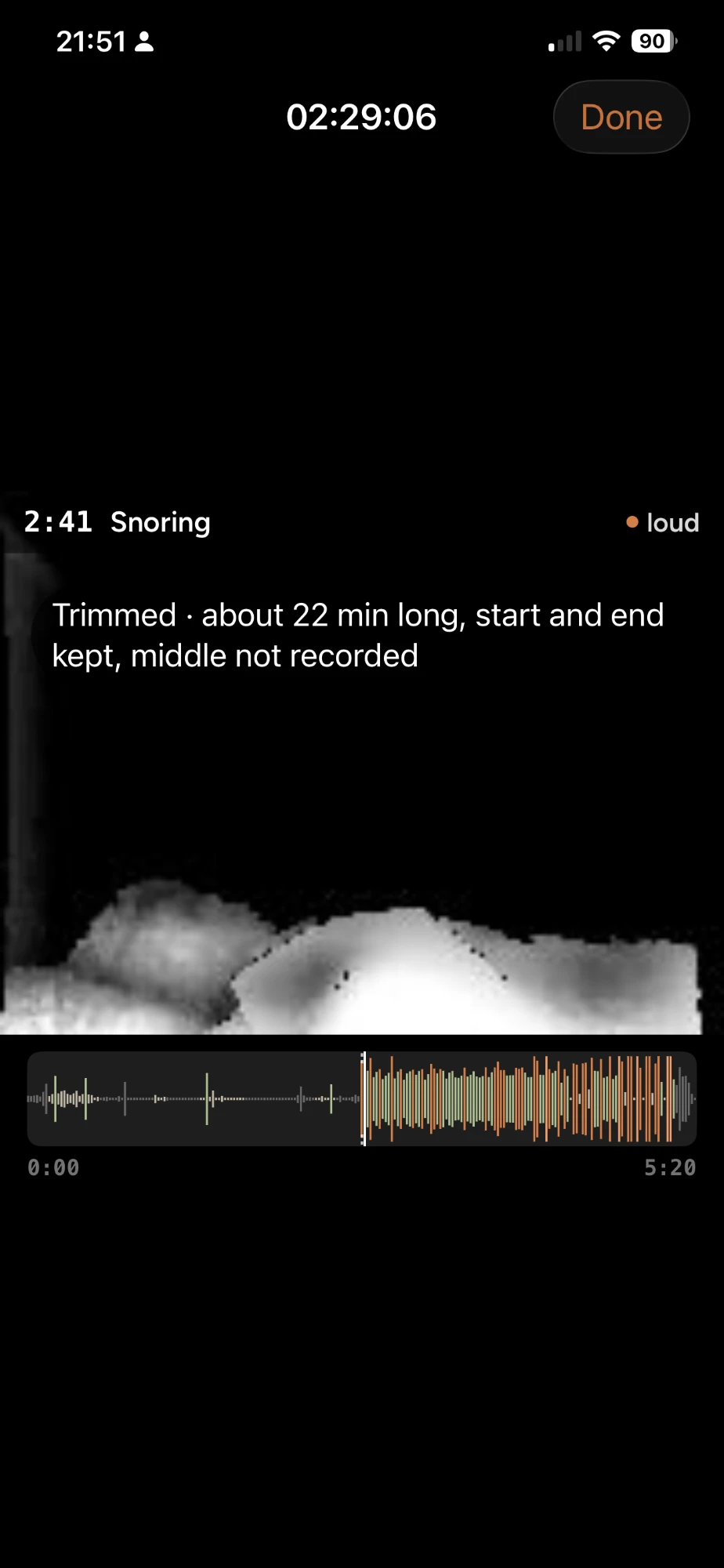
Most of the night is nothing. SleepShutter keeps the seconds that aren’t — the audio, the infrared frame, and where in the night it happened.
Playback from one recorded night. Long events are trimmed.
03 — Your whole night on one screen
On-device AI reads the night back to you.
A score for the night, every snoring run laid out end to end, and the device you used beside it — so you can see which nights were different, and what was different about them. It all runs on the iPhone.
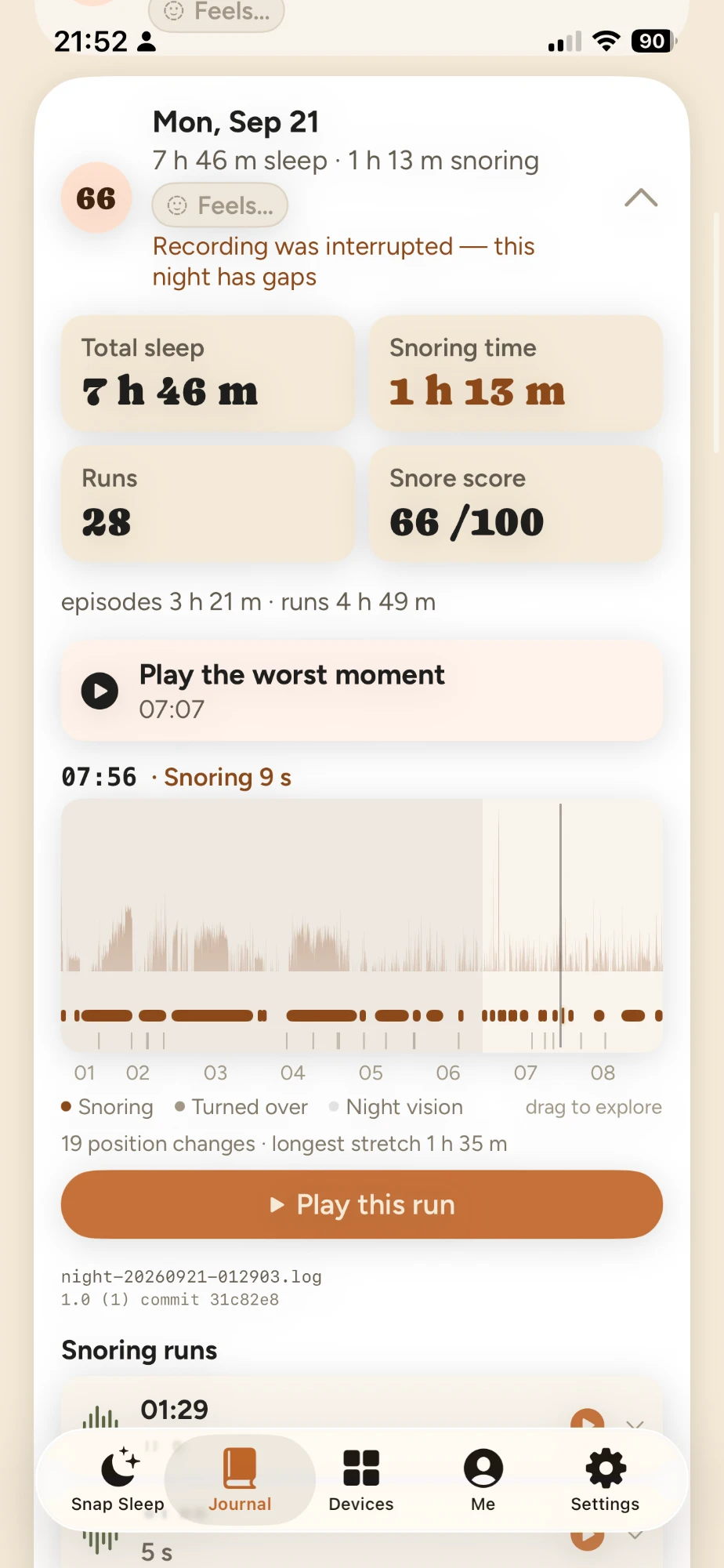
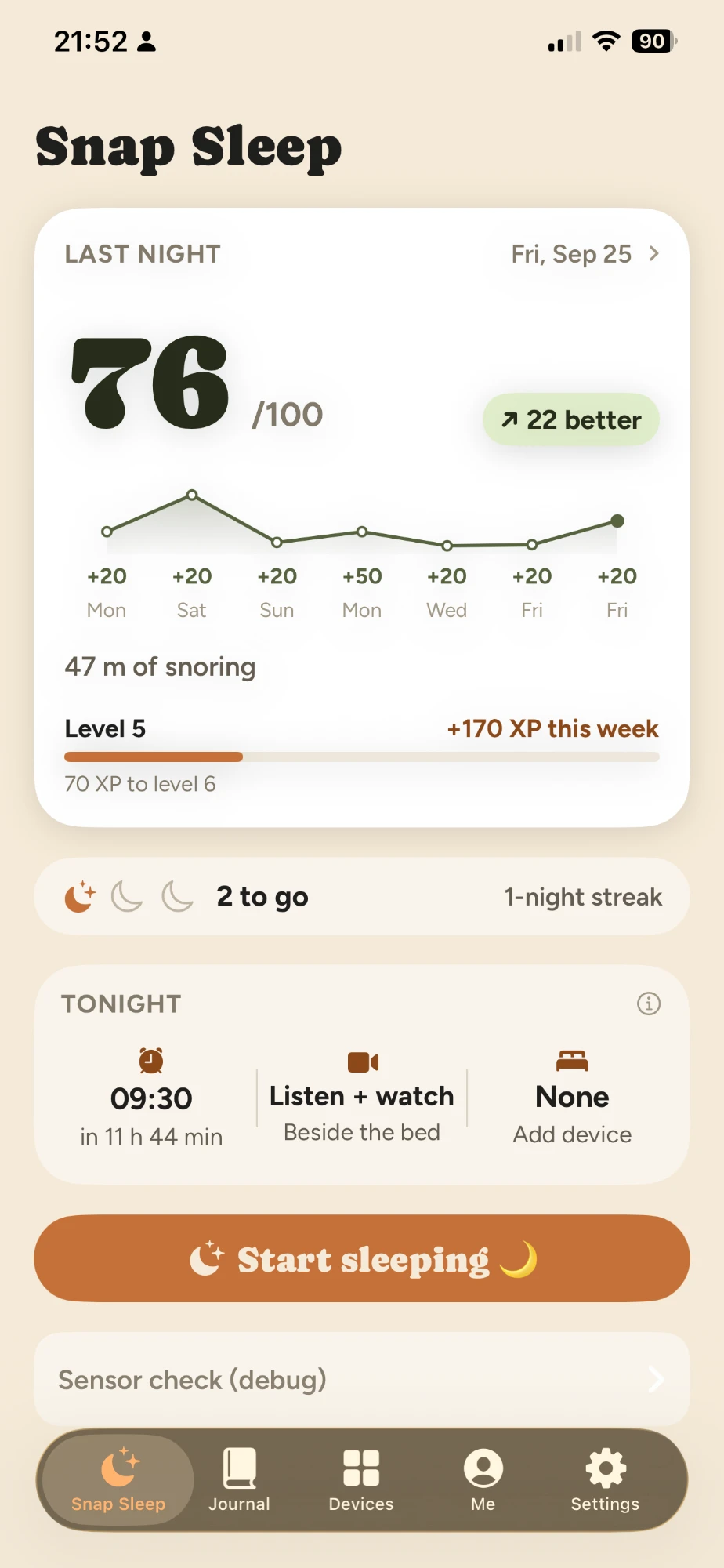
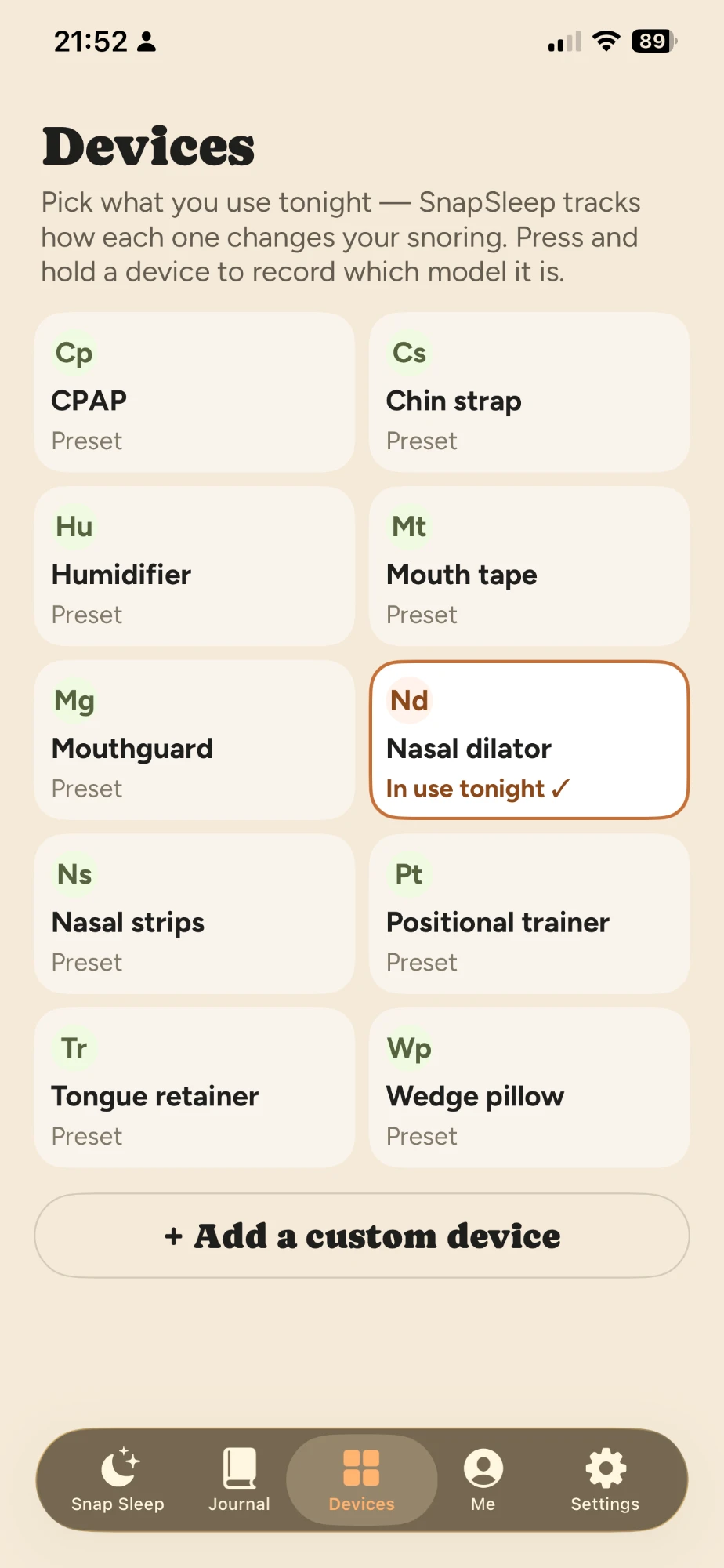
Screens from a development build. The app does not diagnose: a number on a screen describes one night’s recording, not your health.
04 — Straight answers
What it does, and what it doesn’t
Does
What the app records
- Snoring events detected across the night, with start and end times
- Night vision that works in a fully dark room — TrueDepth infrared, switched on automatically
- Video and audio saved around each event, including the seconds before it
- A timeline of the whole night to scroll through in the morning, with body-turn detection
In development: breathing-pause detection, classifying the site of collapse, matching an intraoral appliance to the cause, sleeping-position detection.
Doesn’t
What the app does not do
- It does not diagnose, and it does not replace a sleep study. Identifying sleep apnea takes polysomnography or a home sleep apnea test, read by a clinician.
- It has not been measured against a reference standard. Our accuracy figures so far come from our own hand-labelled recordings and a held-out test set — internal, not validated against polysomnography. We will publish results once there is a reference-standard comparison.
- It does not give treatment advice. Appliance matching is still in development and does not replace a clinician’s judgement.
- It does not send recordings anywhere. Processing happens on the phone.
05 — Private by design
Your nights stay on your phone
- Processed on device
- Video and audio are read by the iPhone itself.
- Uploaded nowhere
- Not to us, not to anyone else.
- Deleted after seven nights
- Clips are kept for the last seven nights, then removed automatically.
06 — Status
The first build is with Apple.
SleepShutter 1.0 has been submitted for App Store review. The TestFlight beta is open in the meantime — write to us and we’ll send you the link, and one message the day the app goes live.